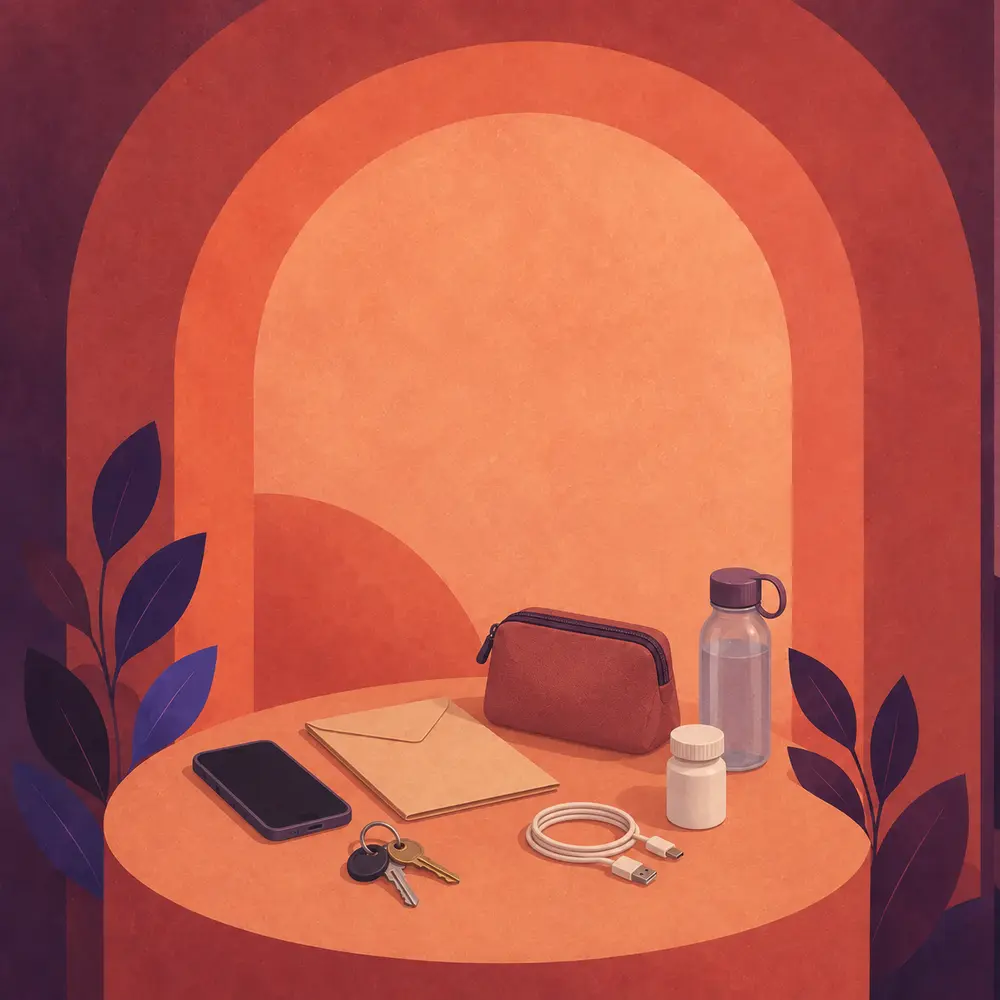
Practical safety-planning essentials arranged beneath a protective arch
Build your personal safety plan around your circumstances, one step at a time.

Personal Safety Plan

My Safety Plan

Leaving can increase risk. This private personal safety planner adapts its guidance around staying, preparing to leave, leaving and life afterward. Choose only steps that fit your circumstances and seek trained support where possible. No action is guaranteed risk-free.

Step 1 of 4

Start with where you are

Which situation is closest today?

You can choose the closest fit. This does not lock you into a decision.

Your choices stay only in this open page. They are not saved or sent.

A note about digital safety: browser activity can sometimes be monitored, and history may not be completely erasable.

Coat of Arms of Trinidad and Tobago
Government of the Republic of Trinidad and TobagoOffice of the Attorney General

Choose your information

Where would you like to begin?

These pages use shorter, age-appropriate explanations. You do not need to enter your age or explain what happened.

A SafeSteps video story

Video story

Before you watch

This story may feel difficult or upsetting.

It includes descriptions of domestic violence, controlling behaviour or fear. You are in control: you can choose not to watch, pause or leave at any time.

Check your surroundings. Sound may be heard by someone nearby.

Consider your privacy. Watching may appear in your browser, device or YouTube account history.

Choose what fits your circumstances

Connect with a person now.

Coalition Against Domestic ViolenceDomestic-violence information, advocacy and support.
Call 624-0402
ChildLineFree, confidential support for children and young people. Phone or live chat.
Immediate dangerPolice emergency. Call if doing so would not increase danger.
Call 999

Calls and websites may appear in device or account activity. If someone monitors your phone, consider using a device they cannot access or monitor, if one is available. No device or action can be guaranteed risk-free. Quick exit hides this page immediately but cannot erase all history.

Digital safety

Consider what this device may reveal.

Quick exit: use the button below, triple tap or click one place anywhere on the page, or press Escape twice quickly. SafeSteps immediately covers the page, stops audio, clears unsaved selections from view and replaces the current page with neutral weather information.
Browsing tracesNo exit feature can guarantee that every trace is removed. Synced accounts, browser history, routers, monitoring software and device administrators may keep records.
Shared devicesUse private browsing only if doing so would not create suspicion. If one is available, consider a device the other person cannot access or monitor.
Location and accountsReview location sharing, connected devices and password-recovery details from a device the other person cannot access or monitor, if one is available.
Downloads and printingPrinted or downloaded plans can be discovered. Keep them only where the other person is unlikely to find them, and only if doing so would not increase danger.

No action is guaranteed risk-free. Choose only steps that fit your circumstances and are unlikely to increase danger.

Private, limited guidance

Ask SafeSteps

AI guide using survivor-centred guidance and checked local sources
Share as little as possible
No account is required. This page does not save the transcript. Guidance draws on survivor-centred information and checked contacts. Do not enter names, addresses, workplaces, schools, case numbers or evidence. A request is sent securely to the AI provider when AI mode is available.

What best describes what you need?

Begin with a general question.You do not need to explain the full situation. Ask what you need to know right now.
4 short replies available in this open page ·